
How to A/B Test Your Ad Setup with Ezoic
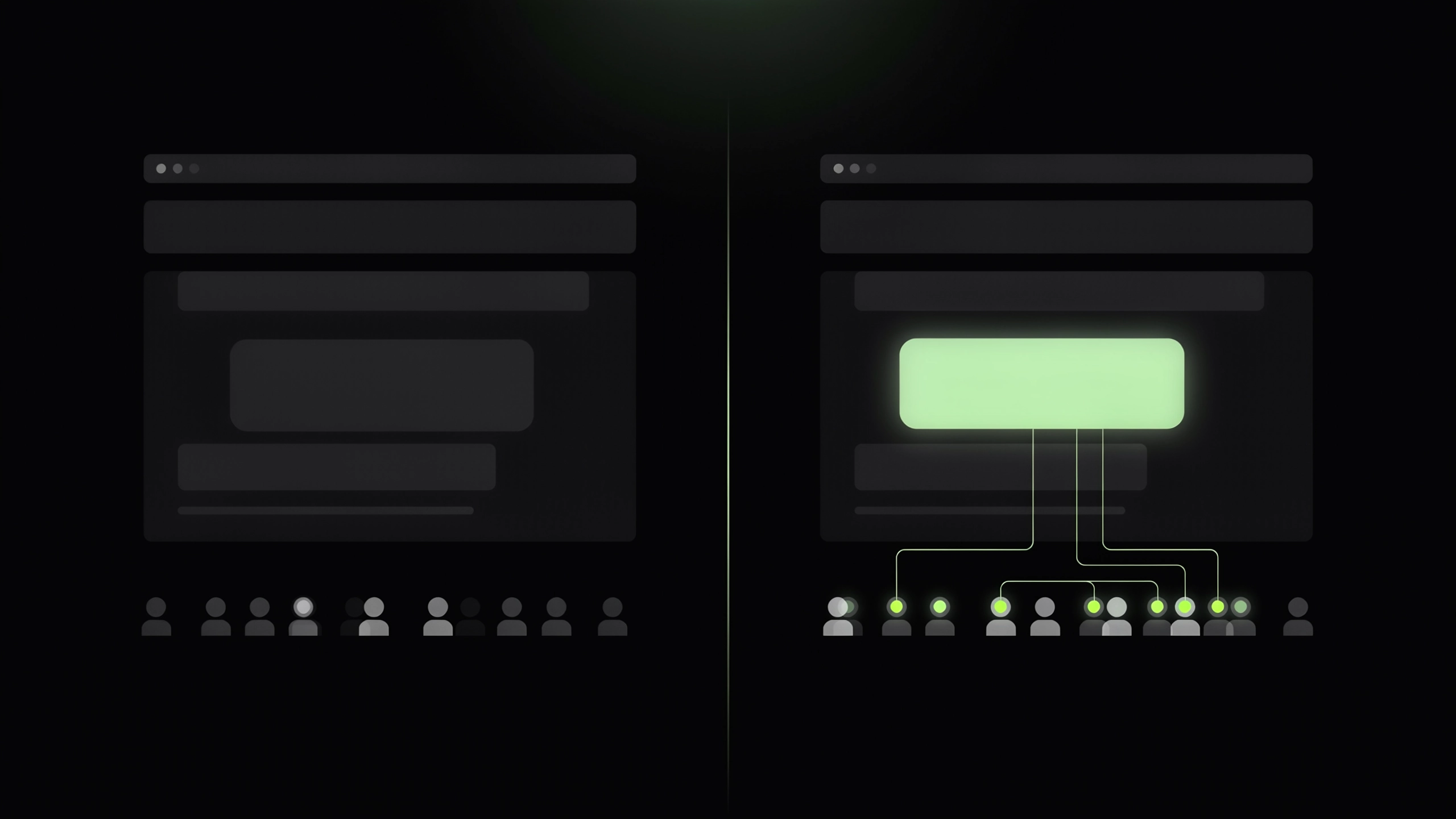

Every change to an ad setup moves more than one number at once. Turn on an anchor ad and earnings per visit, viewability, and how people behave on the page all shift together. Revenue can be noisy on its own, too. Seasonality, traffic mix, and advertiser demand move it whether you change anything or not. So the "we changed something Tuesday and revenue went up" scenario can't really tell you what caused what.
The reliable way to know is to run the change against your current setup, on live traffic, at the same time. That's the foundation of a real A/B test. Traffic splits between your current setup and one variation, while everything else stays equal.
The Ezoic Approach to A/B Testing
A good test answers two things: what the change did to earnings, and what it did to the visit. That check is already built into A/B tests in your dashboard, under EzoicAds.
Behind the scenes, Ezoic is constantly testing how ads get served. Improvements are tested across thousands of sites on the platform, and the ones that perform well become the default with no work on your end. That's how viewability hit 87% after we cut 25% of impressions, and how AI ad optimization kept compounding as it learned from live traffic. A/B tests bring that same approach to the decisions that are yours to make: the formats and behaviors that shape the reading experience on your site, and the earnings that come with them.
Why it’s worth your time
- Revenue you can measure. EPMV (earnings per thousand visitors) is the key metric here.
- Experience and earnings, checked together. Bounce rate, engagement rate, and viewability have an impact on revenue, so a lift that costs your readers shows up as exactly that.
- The dashboard tells you when to trust the result. A confidence rating builds as traffic comes in, so you know when a result is ready to act on.
- Your baseline stays live. Only the slice you allocate sees the variation. The rest of your site remains untouched.
- Winners apply in one click. Adopting a winner gets applied straight away, with nothing to rebuild or check.
- It's yours. A result from another site doesn't transfer. Your own test shows what your audience will engage with, and what it earns.
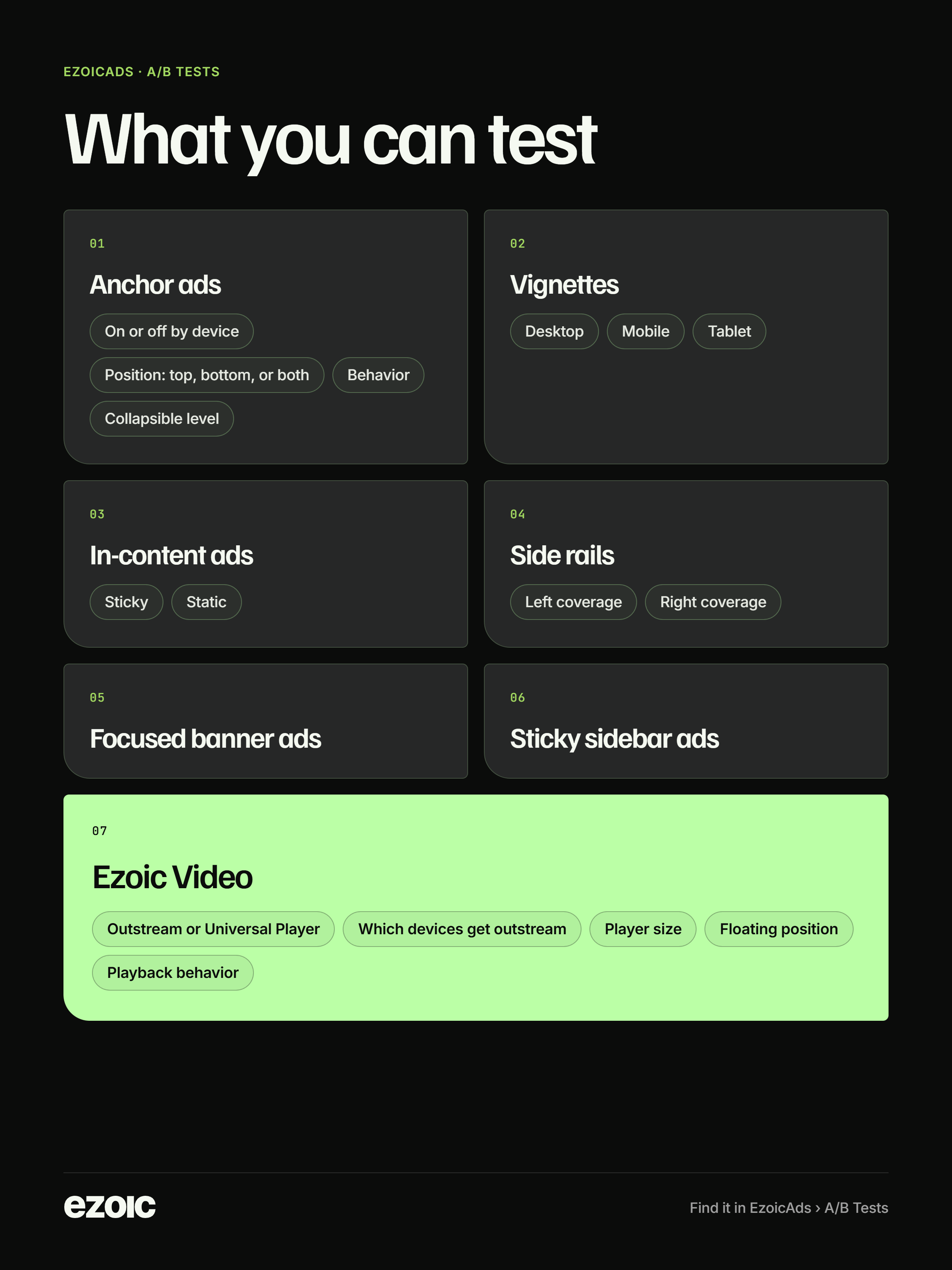
The catalog also flags recommended tests for your site, ranked by priority and based on your current settings. Often that’s a high-impact format you have turned off, and every day it stays off could be revenue your site isn’t earning.
How to get started
- Pick a feature and click "A/B test this."
- Choose the variation and traffic allocation. 50% is the default, and you can change it while the test is running.
- Let it run. You'll get a notification when results are ready to review.
- Apply the winner or keep your current setup.
To run tests, your site needs to be integrated with Ezoic and approved for monetization, and a traffic minimum applies. A test with too little traffic can't produce an adequate read on results.
Best practices
- Run more than one test at a time. A new test is blocked only if it changes the same settings as a test already running, or if the combined traffic allocation would go over 100%. Keep each test to a single change so every result stays clean.
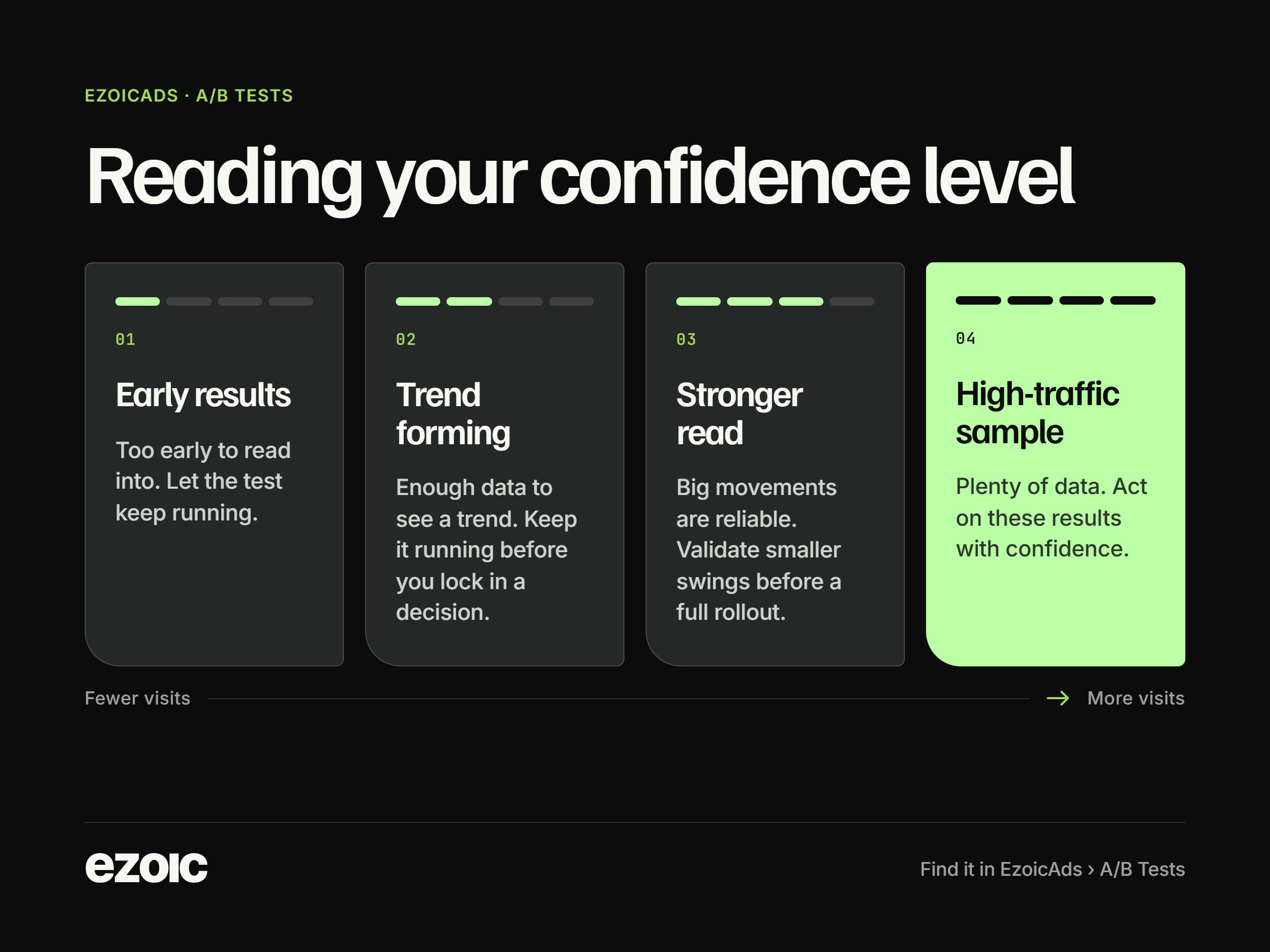
- Wait for a reliable read. As visits add up, the dashboard moves from Early results to Trend forming, then to Stronger read and High-traffic sample. A forming trend is worth watching, but the results worth acting on are a stronger read or a high-traffic sample. Ending the test before that is how a site walks away convinced of something that was only noise.
- Read both columns. Earnings and experience sit side by side, so an EPMV lift is never the whole picture. If bounce rate, engagement, or viewability moves the wrong way, the dashboard flags a guardrail warning and blocks Apply. Keep the test running, or review those signals, before you make the change.
- Give smaller sites more traffic or more time. Confidence is based on visits to the smaller side of the split. A larger share of traffic grows that side faster and letting the test run longer does the same thing.
- Let automatic protections work. A test can stop itself when the result is ready, when it hits a time or traffic limit, or when it finds harm, no real difference, or not enough traffic. A ready result means the earnings read is solid. It does not mean every experience metric is clear. A stop for harm, no difference, or low traffic is the system ending a bad or unreadable test, so adjust and try a different one.
Run your first test
Open your Ezoic dashboard, go to Ezoic Ads, and open A/B Tests. Start with the top recommended test for your site and let your own traffic make the call before the holiday rush.