
Schedule Big Data Analytics Reports by Email
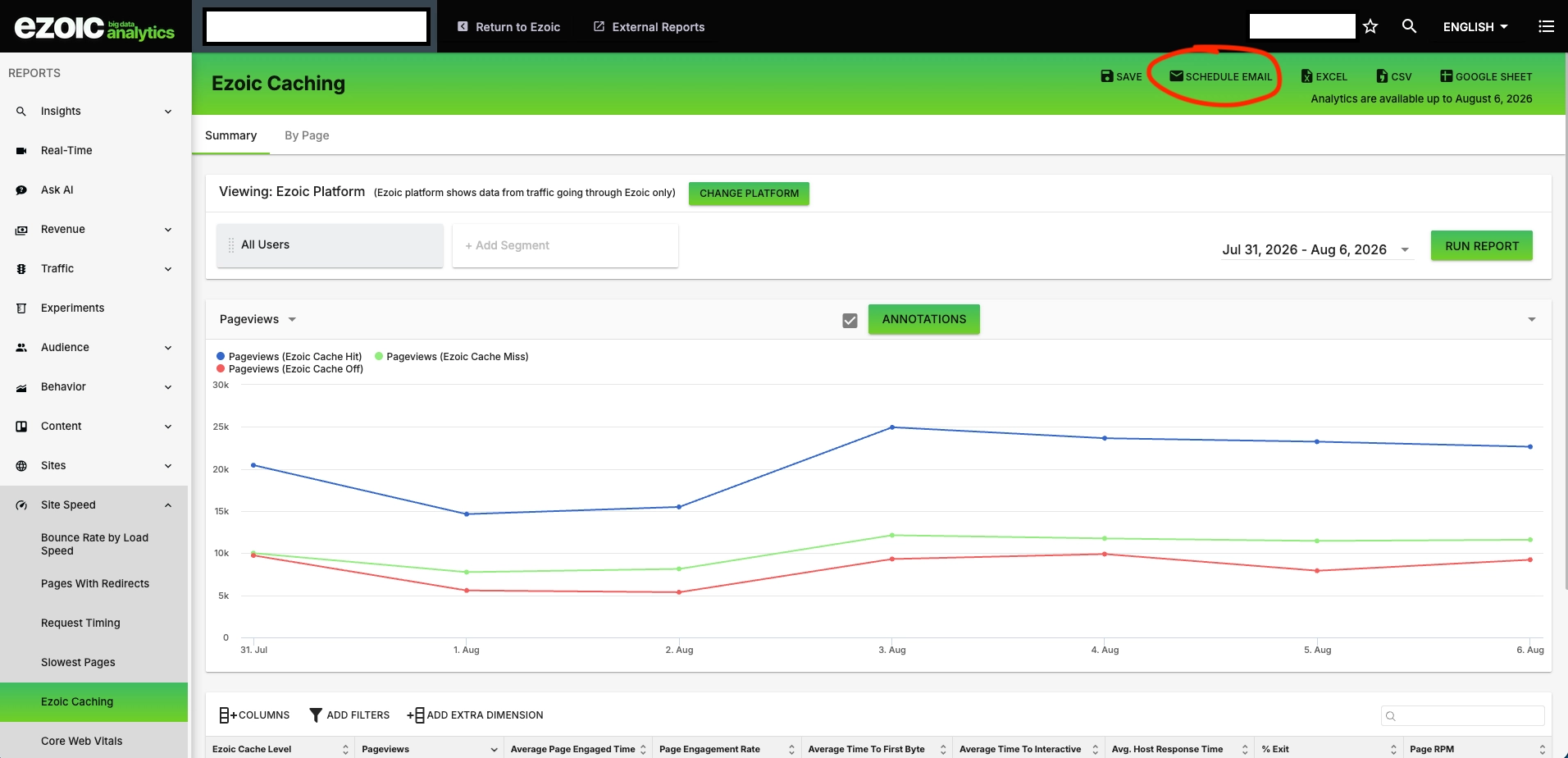
Ezoic Dashboard now lets you schedule a Big Data Analytics report by email directly from the report you are viewing. The new Schedule Email button turns an existing report setup into a recurring inbox update, so you do not have to rebuild the same dimensions, metrics, filters, or segments by hand.
If you already rely on a Big Data Analytics view to monitor performance, you can now send that same view to yourself, a teammate, or a stakeholder on a regular cadence. It is useful for recurring checks like weekly caching performance, monthly revenue reporting, traffic reviews, or any saved workflow where the same report needs to be reviewed again.
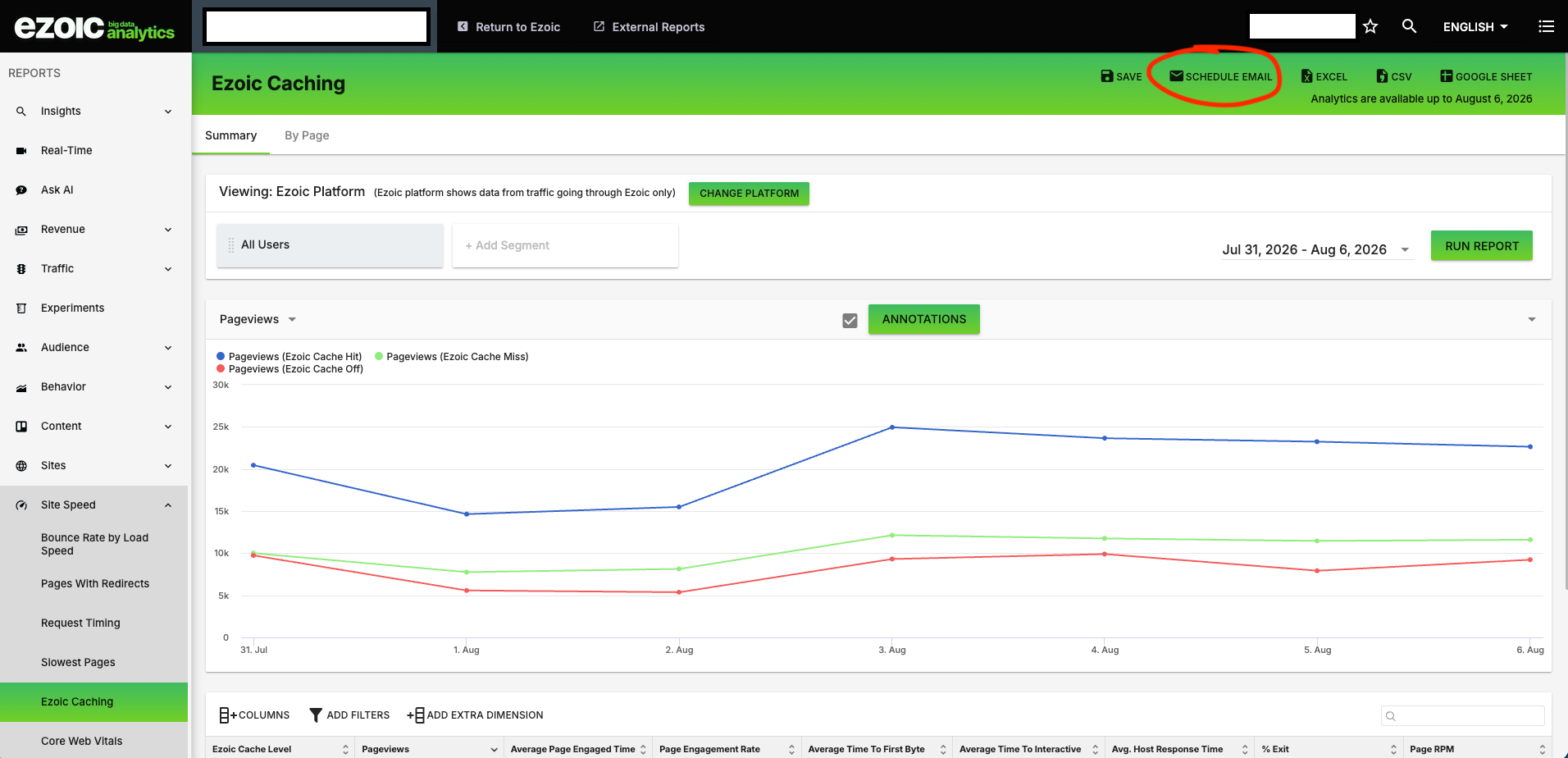
The button appears in the report toolbar alongside Save and the existing export options for Excel, CSV, and Google Sheet. Those export options are still available when you need a one-time file. Schedule Email is for the reports you want delivered automatically.
How It Works
Open Big Data Analytics in the Ezoic Dashboard and go to the report you want to receive by email. From the report toolbar, click Schedule Email with the envelope icon.
From there, the scheduled-report form opens with the report data already filled in to match the Big Data Analytics view you were just using. The dimensions, metrics, filters, and segments are carried over, so the scheduled email reflects the report you meant to send.
You only need to complete the delivery details:
- Choose the schedule frequency.
- Add the recipients.
- Enter the email subject.
Once saved, the report can arrive in your inbox, or your team’s inbox, on the cadence you selected.
Why This Is Useful
Before this update, sending a recurring version of a Big Data Analytics report meant recreating the report setup in the scheduled-report form. That added extra steps and made it easier to miss a filter, choose a different metric, or set up a report that did not quite match the view you use in the dashboard.
Now the report itself is the starting point. If you are looking at the exact view you care about, Schedule Email lets you turn that view into a recurring email without rebuilding the data configuration.
For site owners and teams managing monetization, speed, traffic, or audience performance, this makes recurring reporting easier to maintain. A report you already check in Big Data Analytics can become a scheduled update for the people who need to see it, without requiring everyone to log in or manually export the same data.
To start, open a report in Big Data Analytics in the Ezoic Dashboard, click Schedule Email, and complete the schedule, recipients, and subject.