
Open.Video Adds a Vertical Reels Player and Clickable Product Stickers
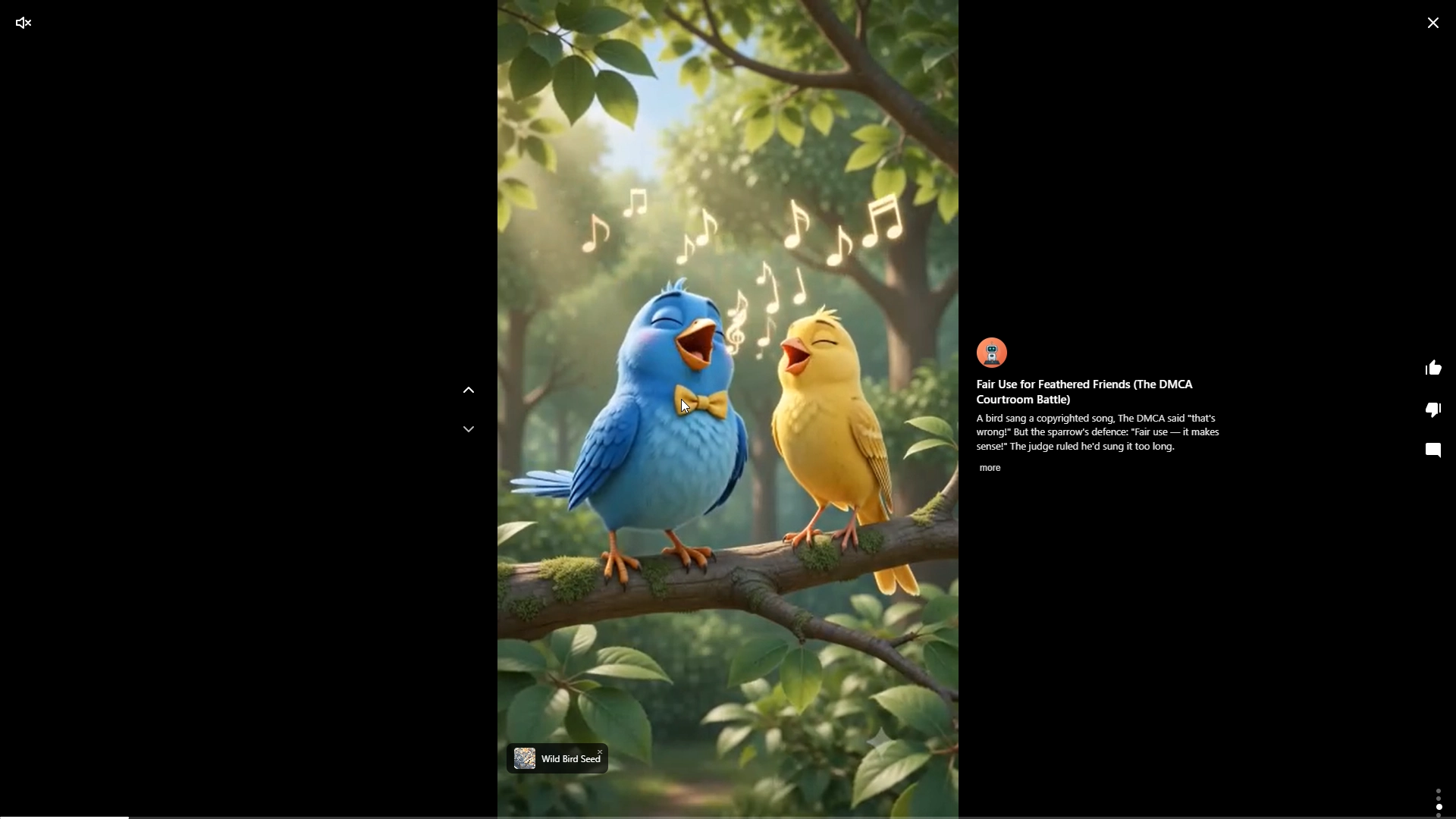
Open.Video now includes a Vertical Reels Player for full-screen, short-form video on your own site, plus Product Stickers that let you place clickable product links directly on top of videos. Together, these releases help you publish vertical video in the format visitors already recognize from Reels, Shorts, and TikTok without sending that viewing session to another platform.
The Vertical Reels Player is available now from the Open.Video dashboard at app.open.video/embed. You can embed either a playlist or a single video using the reels player, then place that experience on your own website so visitors continue watching under your domain.
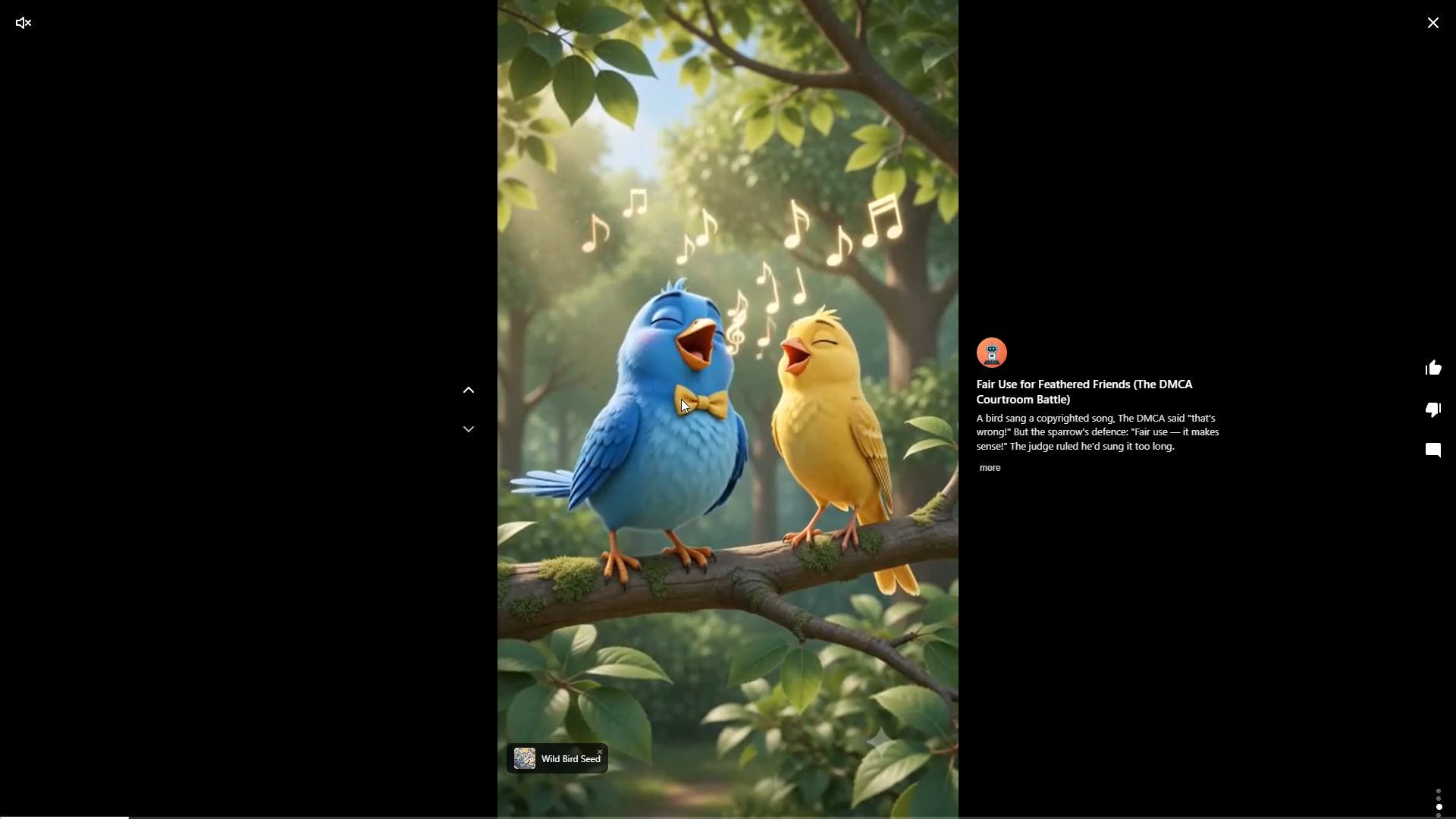
What You Can Do With The Vertical Reels Player
The new player gives vertical video a native home on your site. Instead of linking visitors out to a third-party feed where the platform decides what comes next, you can keep the viewing experience connected to your own content, pages, and monetization strategy.
That matters if you already create short videos for social platforms, product reviews, tutorials, recaps, game clips, walkthroughs, or quick explainers. You can use the Vertical Reels Player to build a playlist of related clips, embed one vertical video inside a page, or give mobile visitors a more familiar swipe-style viewing experience without making a separate app or destination.
For Ezoic publishers using Open.Video, this fits into the broader goal of owning the video channel on your own site rather than treating third-party platforms as the only place video can live.

Product Stickers For Affiliate Video
Product Stickers are built for videos where a product mention should be actionable. You can add clickable product links that appear as stickers over the video in the Vertical Reels Player, giving visitors a direct path from watching to clicking.
For affiliate-focused sites, that makes video content more practical. A product review can link to the item being discussed. A how-to clip can point to the tool or supply used in the video. A comparison video can surface the featured product without making the visitor hunt through the page for a link.
Product Stickers are configured per video inside an individual video's settings in the Open.Video dashboard. That per-video setup is important: stickers are tied to the video where they make sense, not applied broadly across every embed.
How To Try It
To use the Vertical Reels Player, log in to your Open.Video dashboard and go to app.open.video/embed. From there, choose the video or playlist you want to embed with the reels player and add it to your site.
To use Product Stickers, open an individual video in the Open.Video dashboard and go to that video's settings. Add the product link you want to appear as a sticker, then use the Vertical Reels Player so the sticker can appear on top of the video.
A few practical notes: this release is for publishers with video content they want to host and present through Open.Video. Product Stickers are configured at the individual video level, and the announcement does not include pricing changes or automated product-link generation. The value comes from placing your own videos and your own chosen links into an on-site vertical viewing experience.