
Ask Your Ezoic Analytics Questions Directly in Your AI Assistant
Analytics MCP is now available for Ezoic publishers, giving you a direct connection between your Ezoic analytics and AI assistants like Cursor, Claude, VS Code, and Codex. You can ask plain-English questions about your site or app performance, and the assistant will query your Ezoic data, summarize the answer, and let you follow up conversationally.
That means less time digging through reports when you need a quick answer. Ask a question, refine it, break it down by date, country, page, placement, or site, and keep moving.
What You Can Ask
Analytics MCP is designed for everyday performance questions: the kind you might normally answer by opening analytics, changing filters, comparing date ranges, and exporting numbers.
For example, you can ask:
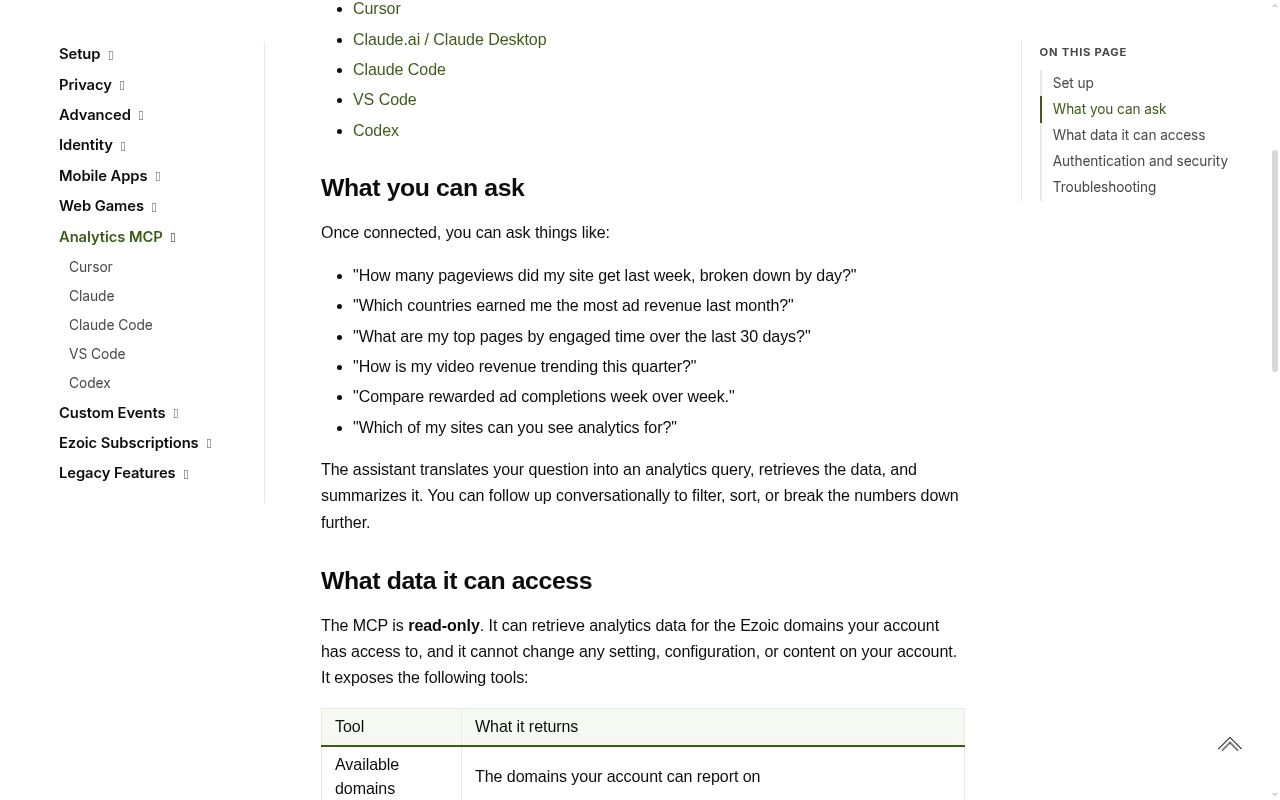
- “How many pageviews did my site get last week, broken down by day?”
- “Which countries earned me the most ad revenue last month?”
- “What are my top pages by engaged time over the last 30 days?”
- “How is my video revenue trending this quarter?”
- “Compare rewarded ad completions week over week.”
- “Which of my sites can you see analytics for?”
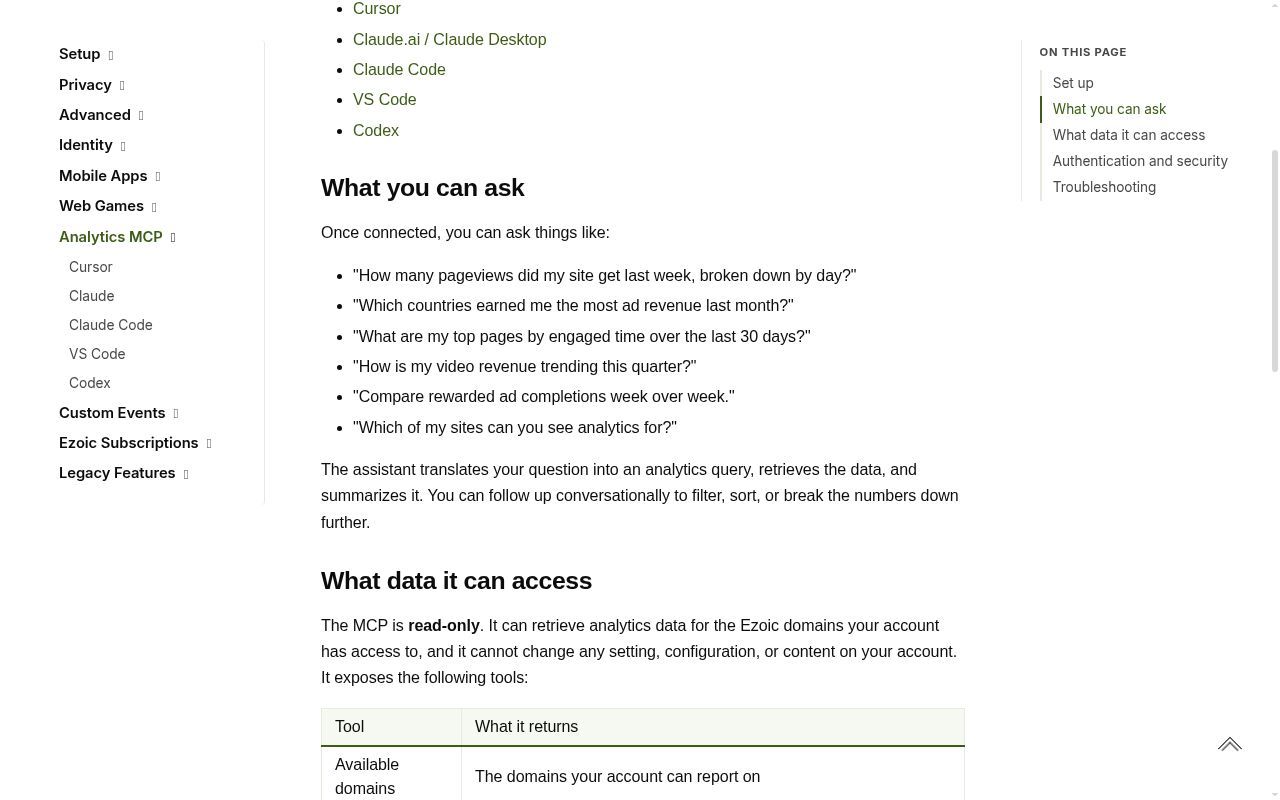
The assistant translates your question into an analytics query, retrieves the data your Ezoic account can report on, and summarizes the result in the chat. From there, you can ask follow-up questions like “show that by country,” “sort by revenue,” “compare it to the previous period,” or “only include this domain.”
The Data It Can Help You Understand
Analytics MCP can answer questions across key areas of Ezoic reporting, including pageviews, ad impressions, clicks, viewability, RPM, ad revenue by unit or placement, rewarded ad completions, and video performance such as views, completions, watch time, and revenue.
It can also answer questions across the domains your Ezoic account has access to, which is useful if you manage more than one site, web app, tool, or game. For example, you can compare performance across domains or narrow the conversation to one property.
This is especially useful for quick checks that do not need a full dashboard session. If revenue changed yesterday, ask which countries or placements moved most. If a video strategy is growing, ask how video revenue is trending this quarter. If rewarded ads are part of your experience, ask whether completions improved week over week.
How To Connect
To get started, open the Analytics MCP documentation at docs.ezoic.com/docs/analytics-mcp. Choose the setup page for your assistant, such as Cursor, Claude, VS Code, or Codex, and add the Analytics MCP endpoint:
https://analytics-mcp.ezoic.com/mcp
When prompted, sign in with your Ezoic account. Once connected, your assistant can answer questions using the analytics data available to that account.
Analytics MCP is for analytics conversations. It helps you retrieve, compare, filter, and summarize performance data, but it does not replace the Ezoic Dashboard for managing settings or making account changes.
For setup instructions by assistant, visit the Analytics MCP docs and connect the endpoint in the tool you already use.